

Sign Out
Sign Out
The Sign Out option allows users to securely exit their account.
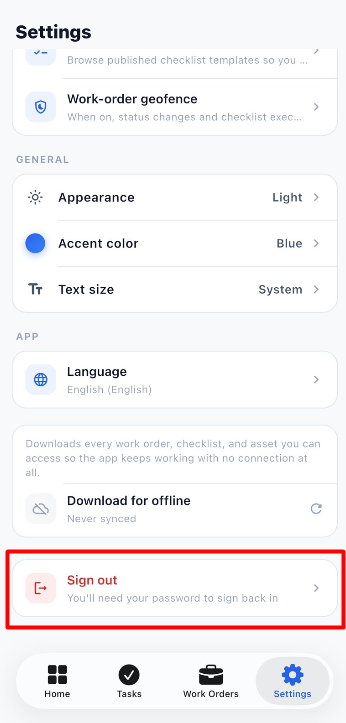
To sign out of the application:
- Open the Settings module.
- Scroll down to the Sign Out option.
- Click Sign Out.
- You will be signed out of the application and redirected to the login screen.
- Enter your credentials again to access the application.