My Profile
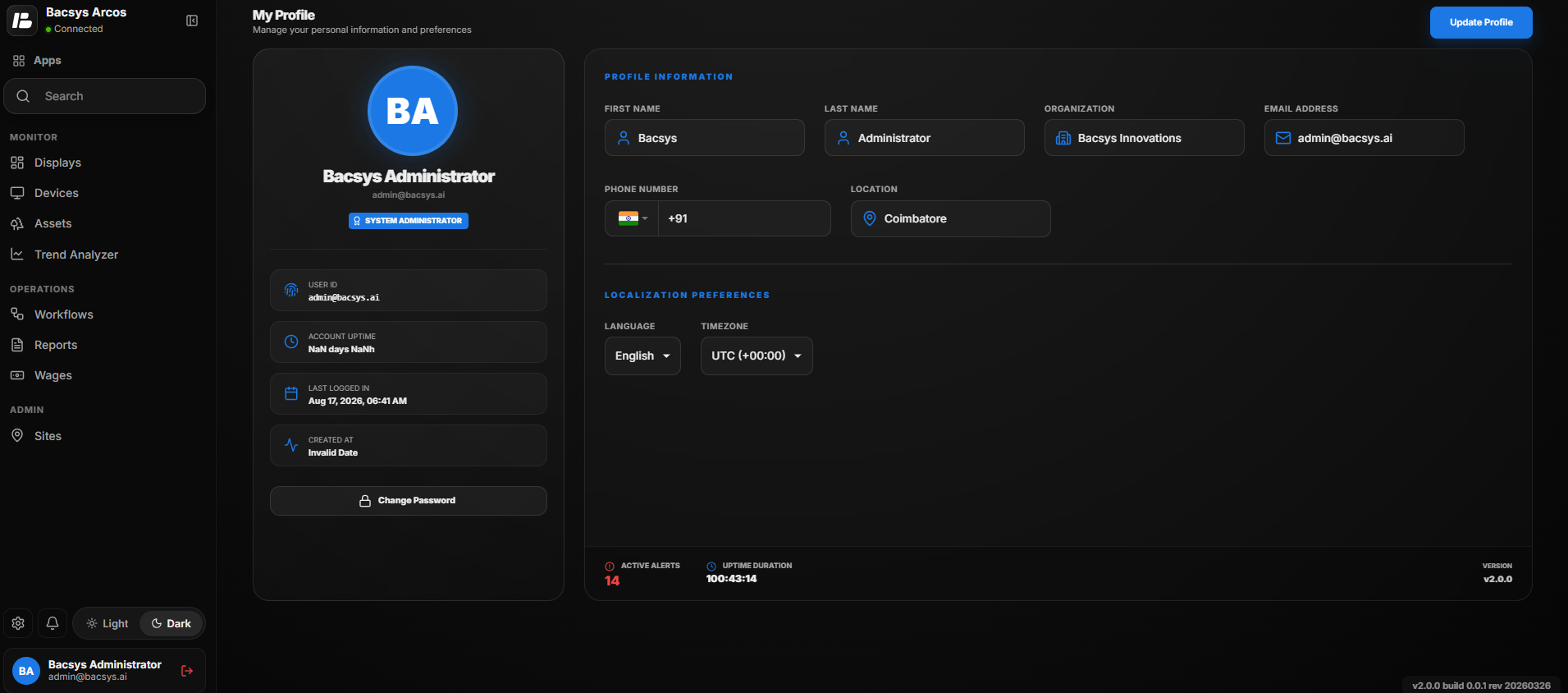
The My Profile page allows users to view and manage their personal information, account details, localization preferences, and account-related settings. Users can update their profile information, change their password, and view account and system details.
Profile Information
The Profile Information section contains the user's basic personal and organizational details.
| Option | Description |
|---|---|
| First Name | Displays the first name associated with the user account. |
| Last Name | Displays the last name associated with the user account. |
| Organization | Displays the organization associated with the user account. |
| Email Address | Displays the email address registered with the user account. |
| Phone Number | Displays the registered phone number of the user. |
| Location | Displays the location associated with the user profile. |
Localization Preferences
The Localization Preferences section allows users to configure the language and timezone used by the application.
| Option | Description |
|---|---|
| Language | Selects the preferred language for the application. |
| Timezone | Selects the timezone used by the application for displaying date and time information. |
Account Information
The Account Information section provides details related to the user's account.
| Option | Description |
|---|---|
| User ID | Displays the unique user identifier associated with the account. |
| Account Uptime | Displays the account uptime information. |
| Last Logged In | Displays the date and time of the user's most recent login. |
| Created At | Displays the date and time when the user account was created. |
| System Administrator | Displays the role assigned to the user account. |
Change Password
The Change Password option allows users to update their account password.
- Open My Profile.
- Click Change Password.
- Enter the required password information.
- Confirm the new password.
- Save the changes.
Update Profile
The Update Profile button is used to save changes made to the user's profile.
- Open My Profile.
- Update the required Profile Information.
- Configure the required Language and Timezone.
- Review the updated information.
- Click Update Profile.
- The updated profile information is saved.
Account Status Information
The bottom section of the profile page provides additional system information.
| Information | Description |
|---|---|
| Active Alerts | Displays the number of active alerts associated with the system. |
| Uptime Duration | Displays the current system uptime duration. |
| Version | Displays the application version currently in use. |
Logout
The Logout option allows the user to securely sign out of the application.
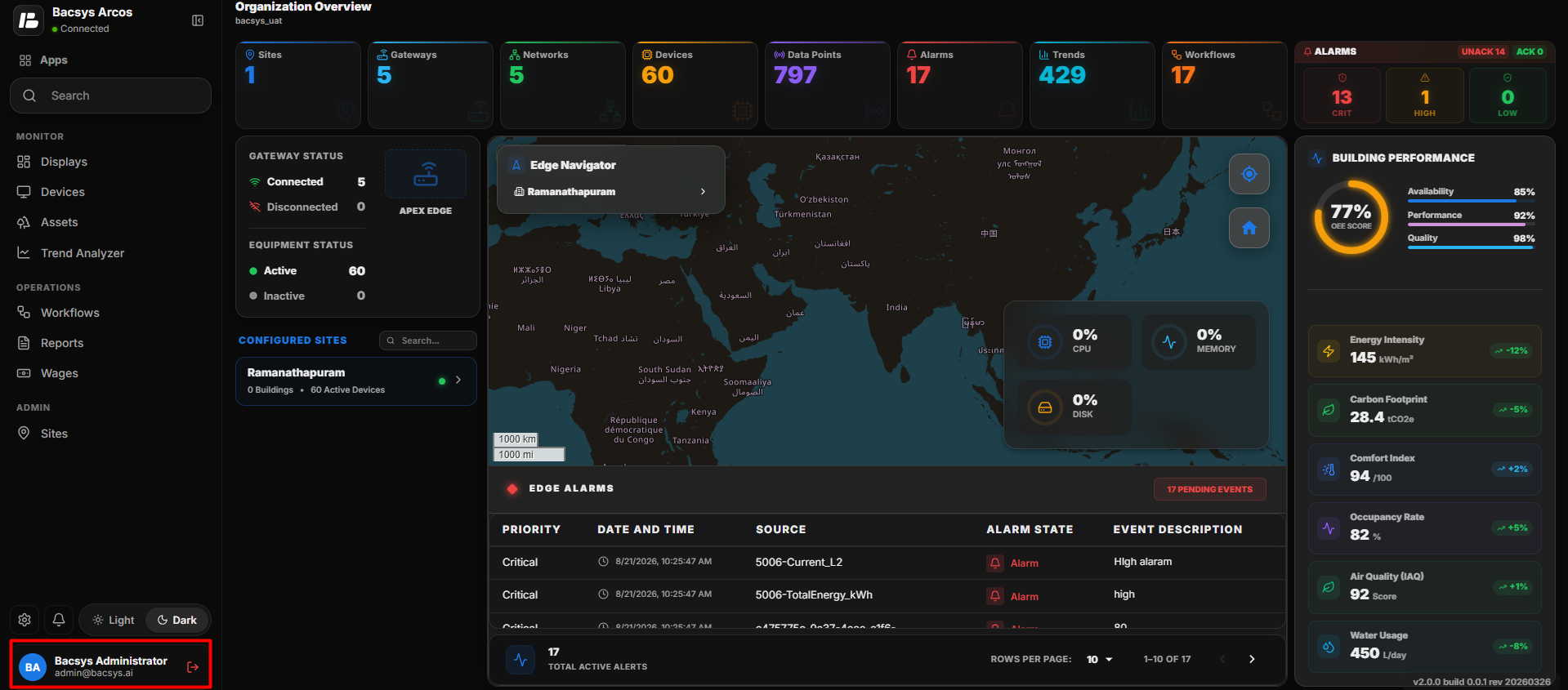
- Click the user profile section at the bottom-left corner of the application.
- The user account options are displayed.
- Click the Logout icon.
- The current user session is terminated.
- The user is redirected to the Login page.