

Users
The Users module allows administrators to create, manage, and monitor user accounts that have access to the Edge platform.
Using the Users module, you can:
- Create new users.
- Edit existing user information.
- Delete users.
- View user roles.
- View user status.
- View the last access time for each user.
Accessing the Users Module
To access the Users module:
- Navigate to Settings from the navigation pane.
- Select Users from the Settings browser.
The User Configuration page is displayed.
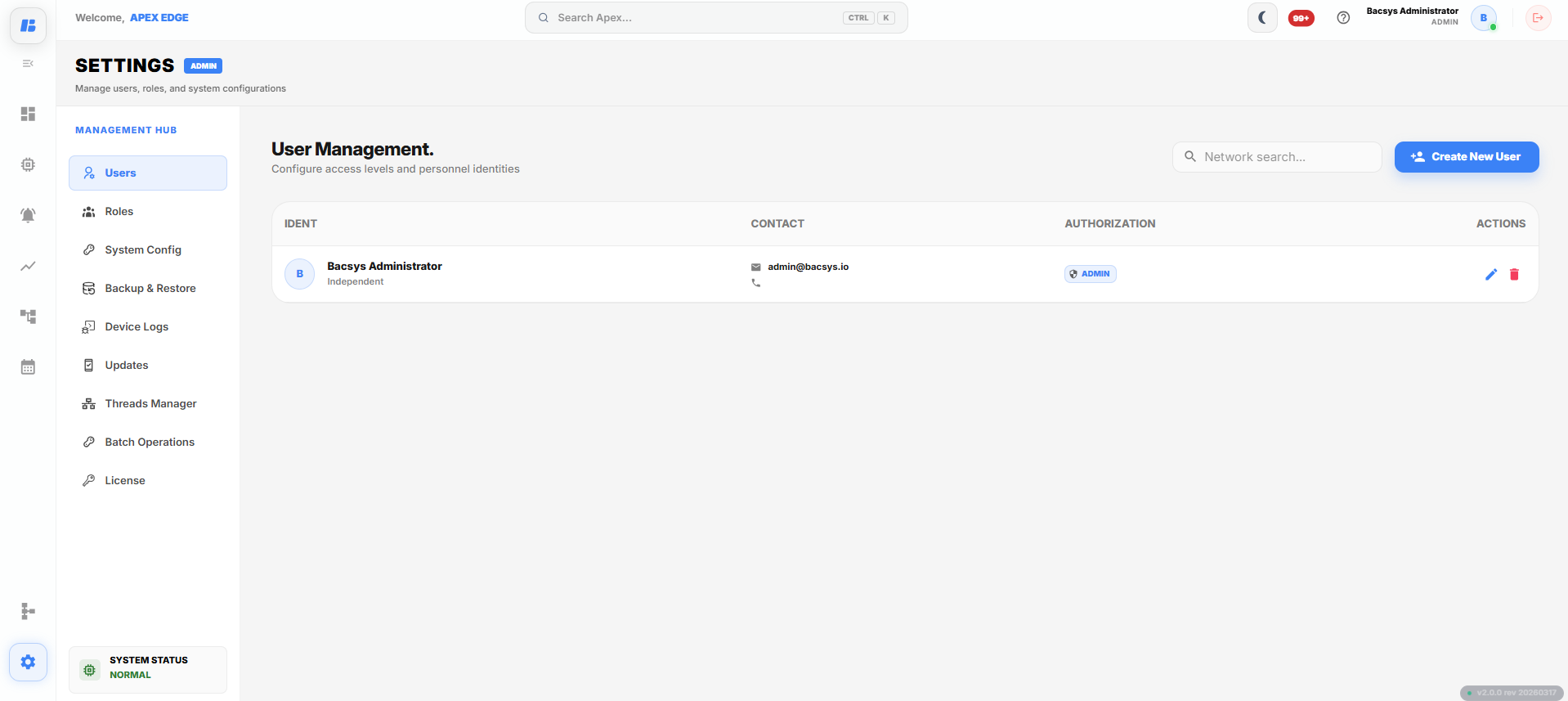
User Configuration
Creating a User
To create a new user:
- Click the Create User button.
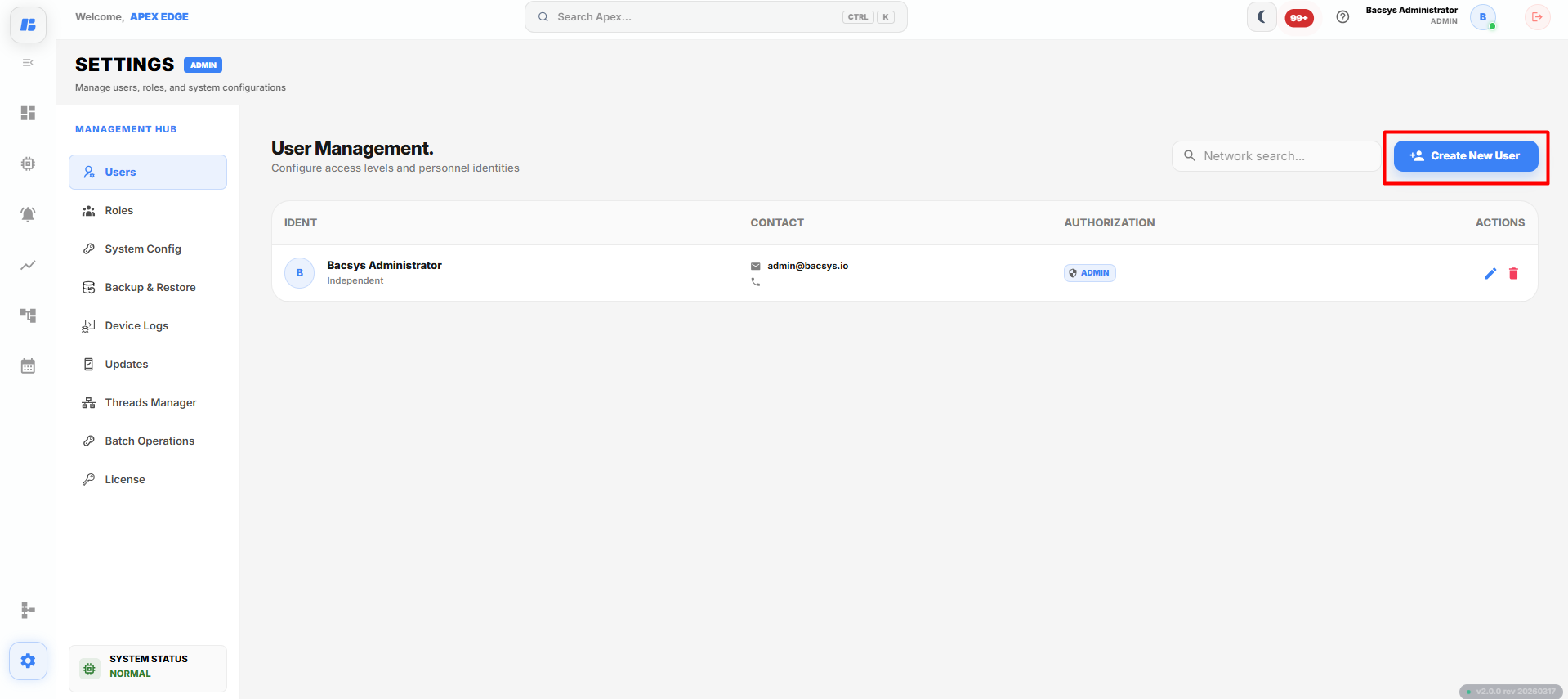
The Create User dialog box is displayed.
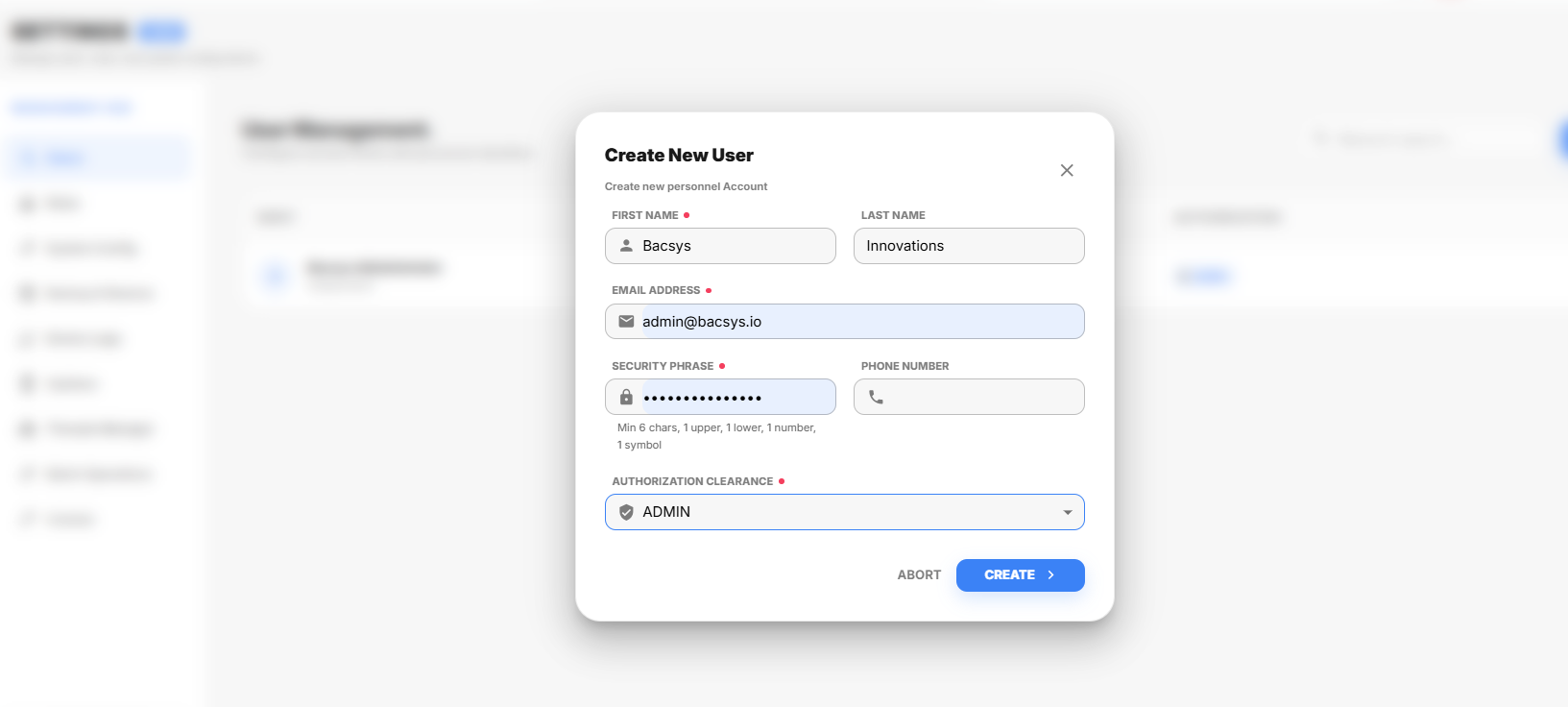
Create User
Enter the required information in the available fields.
After entering the user information:
- Click Create User to create the user.
- Click Abort to cancel the operation.
After the user is created, it is displayed in the User Configuration page.
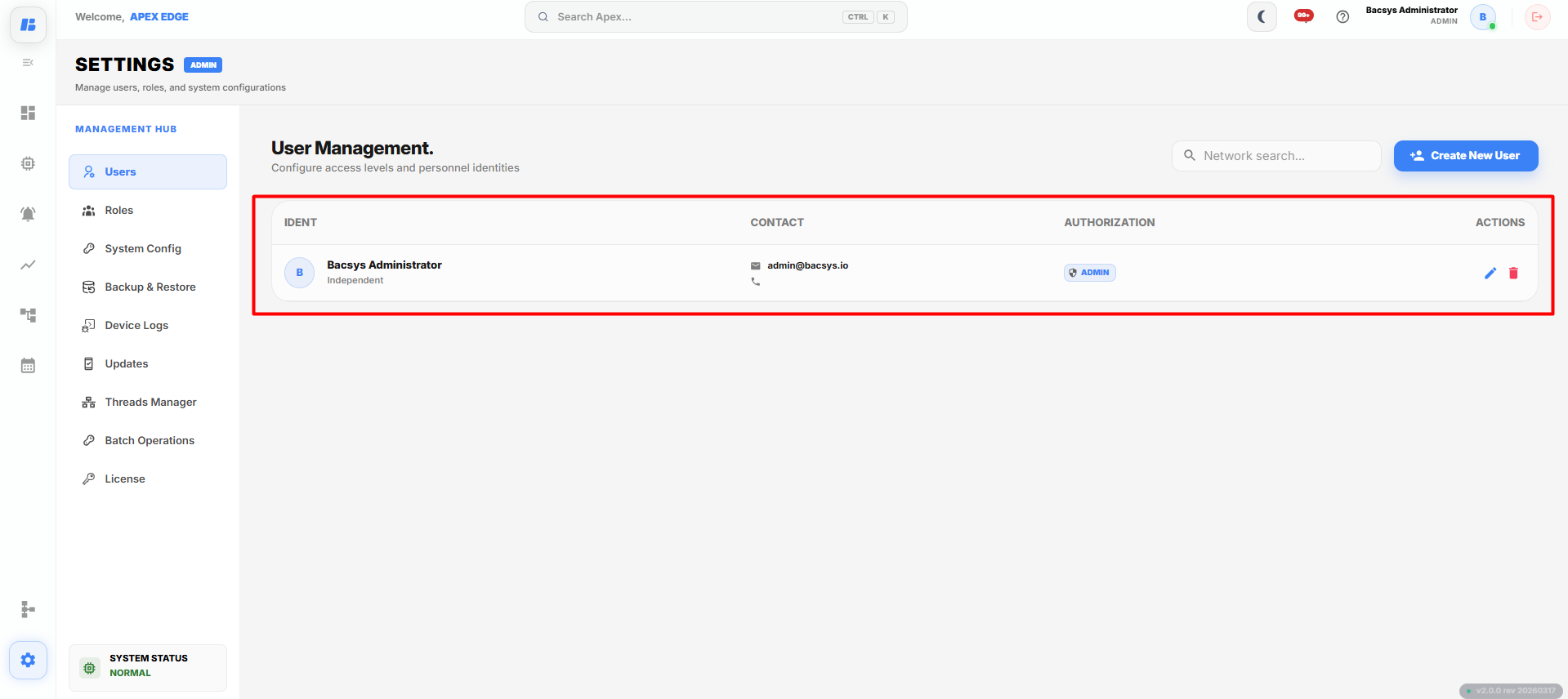
User Configuration
User Information
The User Configuration page displays the following information for each user.
| Field | Description |
|---|---|
| Full Name | Displays the full name of the user. |
| Role | Displays the assigned user role. |
| Status | Displays whether the user account is Active or Inactive. |
| Last Access Time | Displays the date and time when the user last accessed the system. |
| Actions | Provides options to edit or delete the selected user. |
Editing a User
To edit an existing user:
- Locate the required user.
- Click the Edit icon.
The Edit User Info dialog box is displayed.
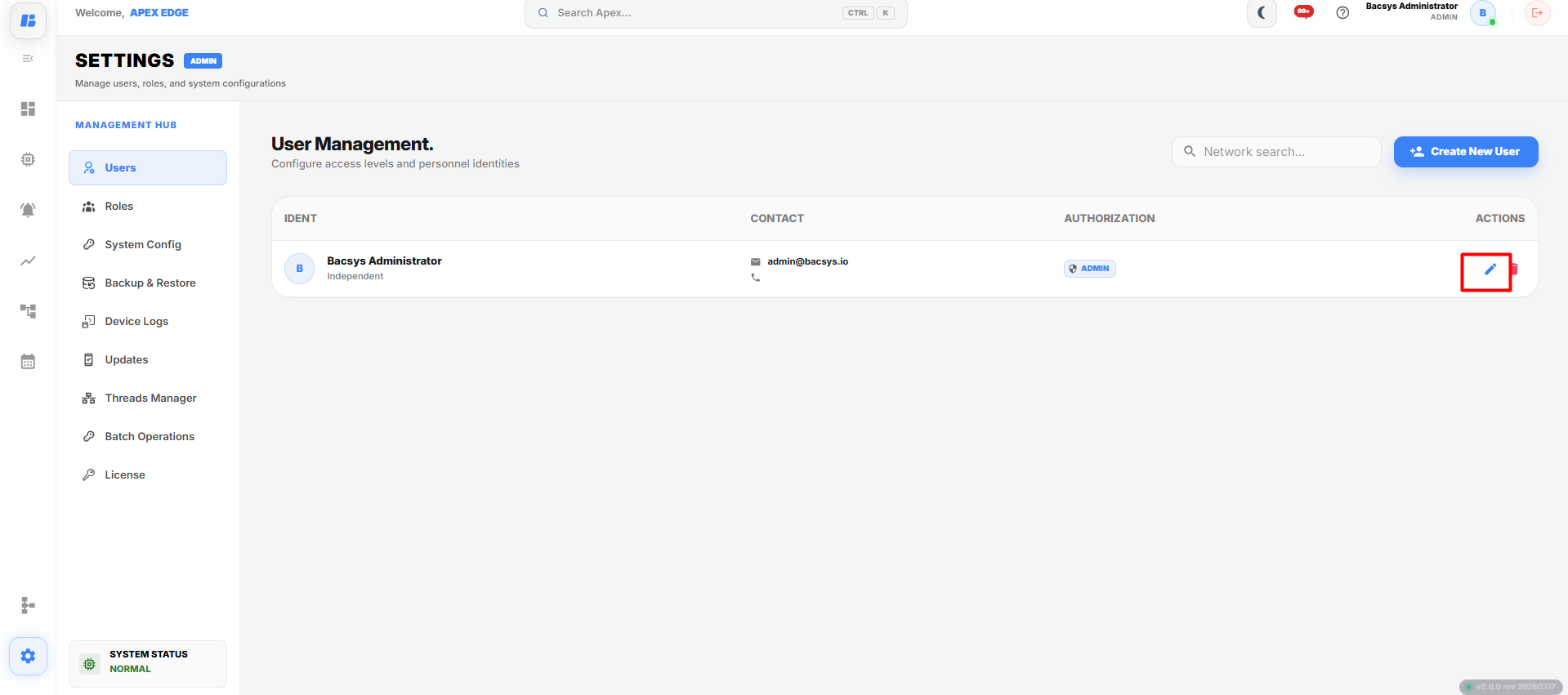
Edit User Information
Modify the required fields.
After making the required changes:
- Click Update User to save the changes.
- Click Cancel to discard the changes.
Deleting a User
To delete an existing user:
- Locate the required user.
- Click the Delete icon.
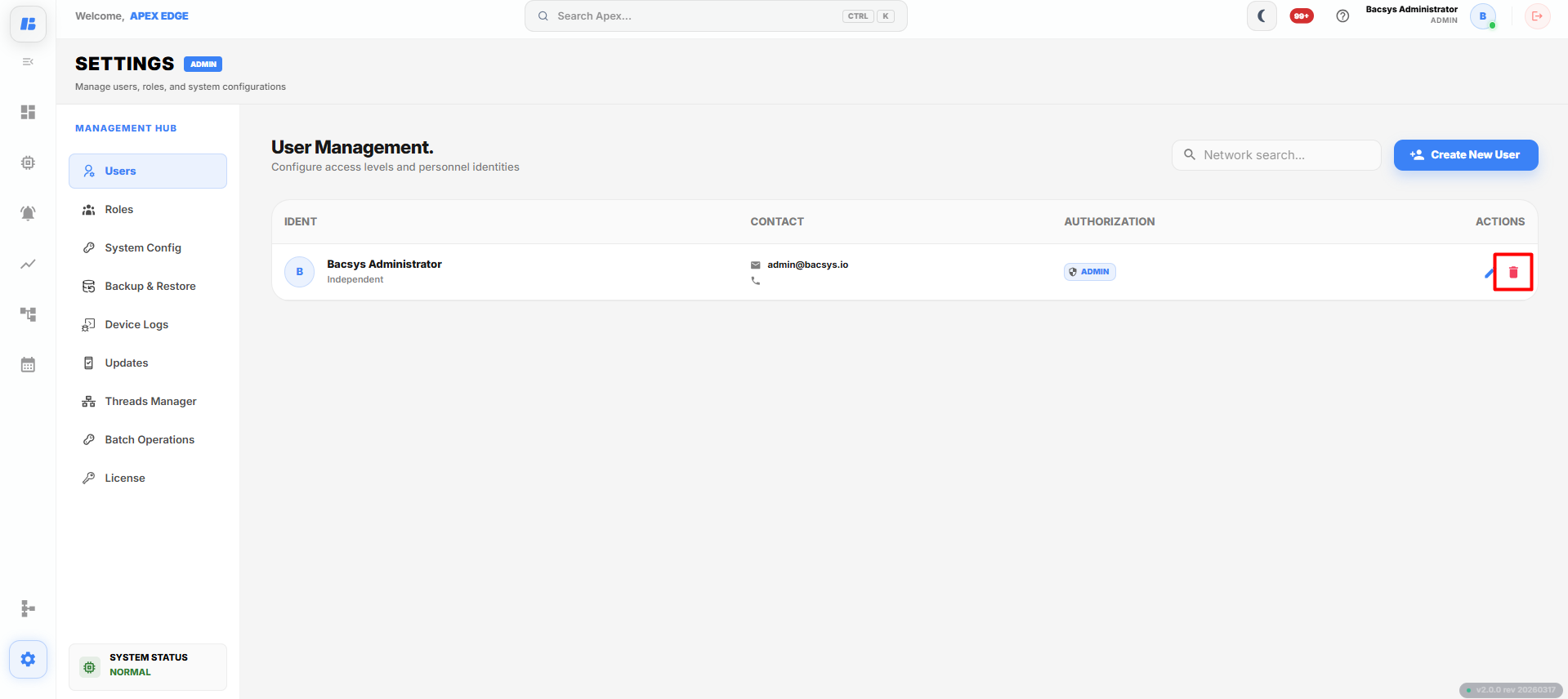
The selected user is removed from the system.
Complete Workflow
Manage users by following the workflow below:
- Open Settings.
- Select Users.
- Click Create User to add a new user.
- Enter the required user information.
- Click Create User.
- Review the user details in the User Configuration page.
- Edit the user information if required.
- Update the user details.
- Delete the user if it is no longer required.