

Meter Management
The Meter Management module provides a centralized view of all configured meters in the system. Users can search, filter, and view meters based on dif...
The Meter Management module provides a centralized view of all configured meters in the system. Users can search, filter, and view meters based on different criteria such as utility type, building, and unit. The module also supports List View and Card View for convenient meter management.
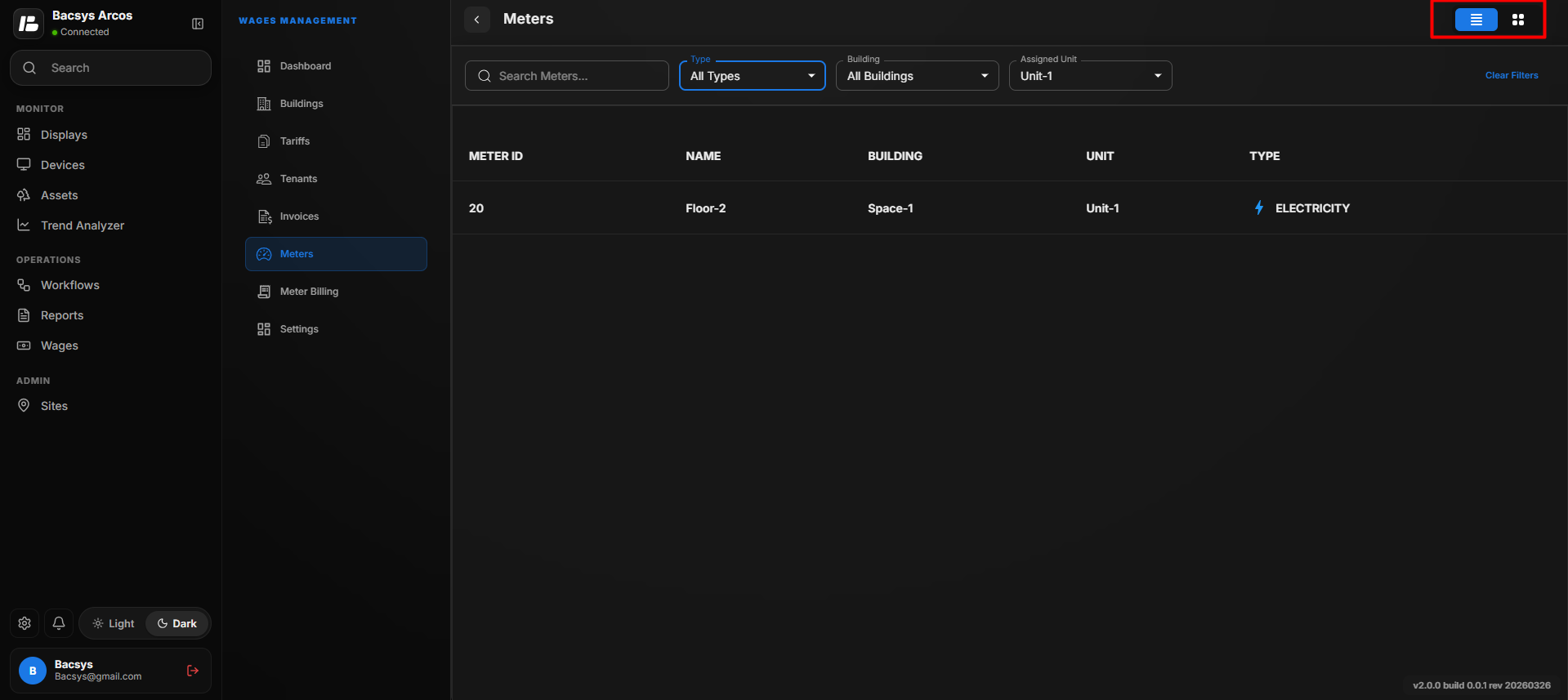
Meter Page Overview
The following table describes the available options on the Meters page.
| Option | Description |
|---|---|
| Meters | Displays the total number of meters configured in the system. |
| Search | Allows users to search for a specific meter by entering the meter name or related details. |
| Type | Filters the meter list based on the selected utility type. |
| Building | Filters the meters belonging to a specific building. |
| Unit | Filters the meters assigned to a specific unit. |
| Clear Filter | Removes all applied filters and displays all configured meters. |
| List View | Displays all meters in a table format. |
| Card View | Displays each meter as an individual card containing meter details. |
Search Meters
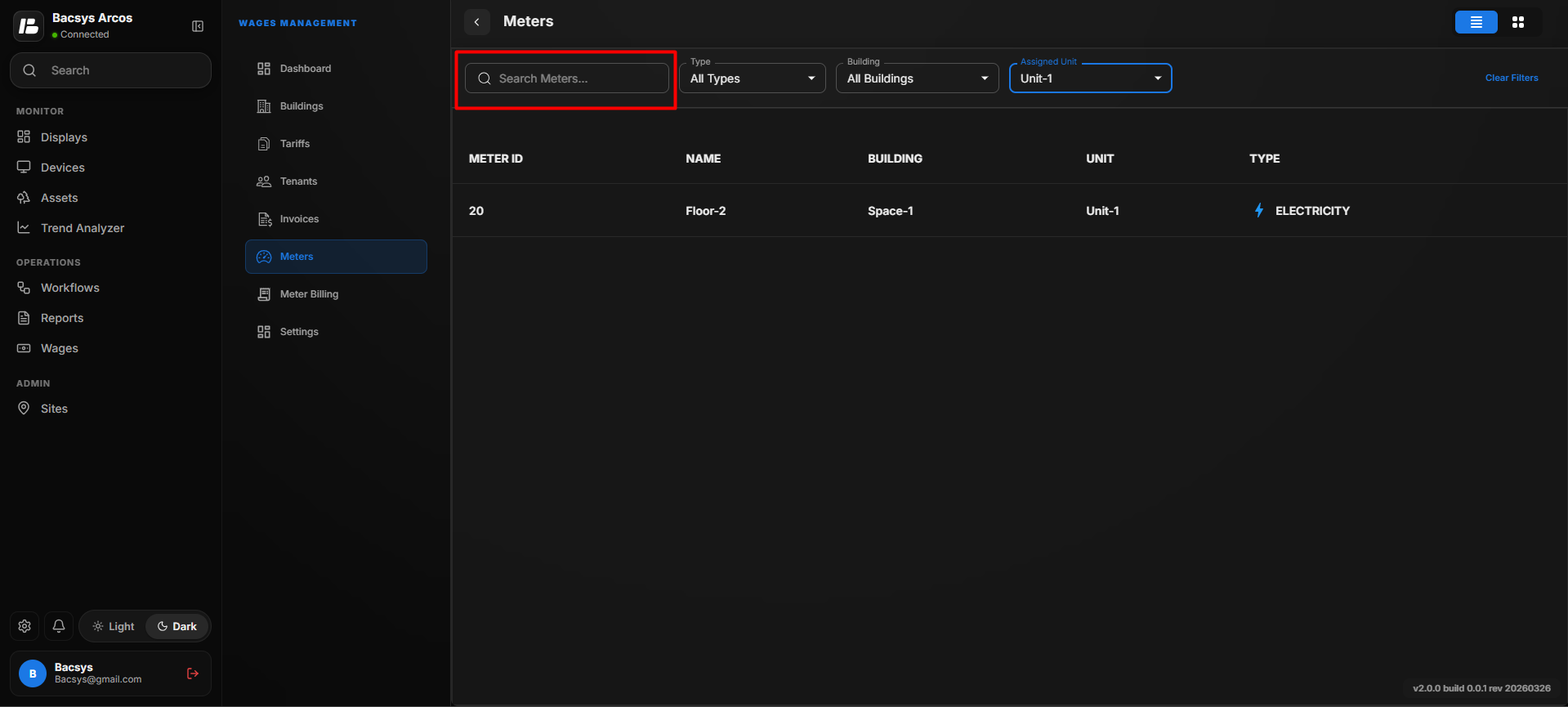
The Search option helps users quickly locate a specific meter.
| Option | Description |
|---|---|
| Search | Enter the meter name or related information to locate the required meter. |
The meter list is automatically filtered based on the entered search value.
Meter Type Filter
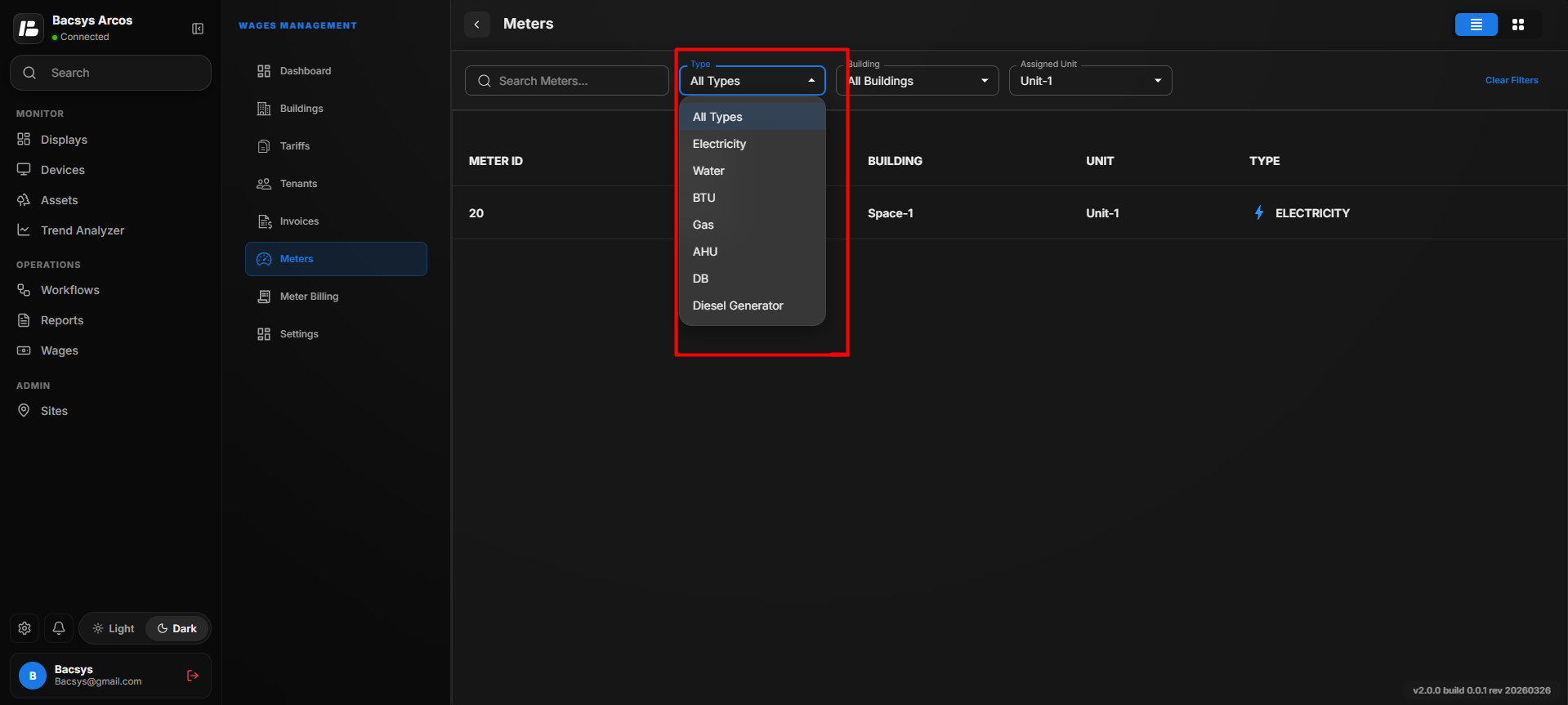
The Type filter allows users to display only the meters belonging to a selected utility type.
The following meter types are available.
| Meter Type | Description |
|---|---|
| All Types | Displays all configured meters regardless of utility type. |
| Electricity | Displays all electricity meters configured in the system. |
| Water | Displays all water meters. |
| BTU | Displays all BTU (British Thermal Unit) meters. |
| Gas | Displays all gas meters. |
| AHU | Displays all Air Handling Unit (AHU) meters. |
| DB | Displays all Distribution Board (DB) meters. |
| Diesel Generator | Displays all diesel generator meters. |
Select a meter type from the Type drop-down list to filter the displayed meters.
Building Filter
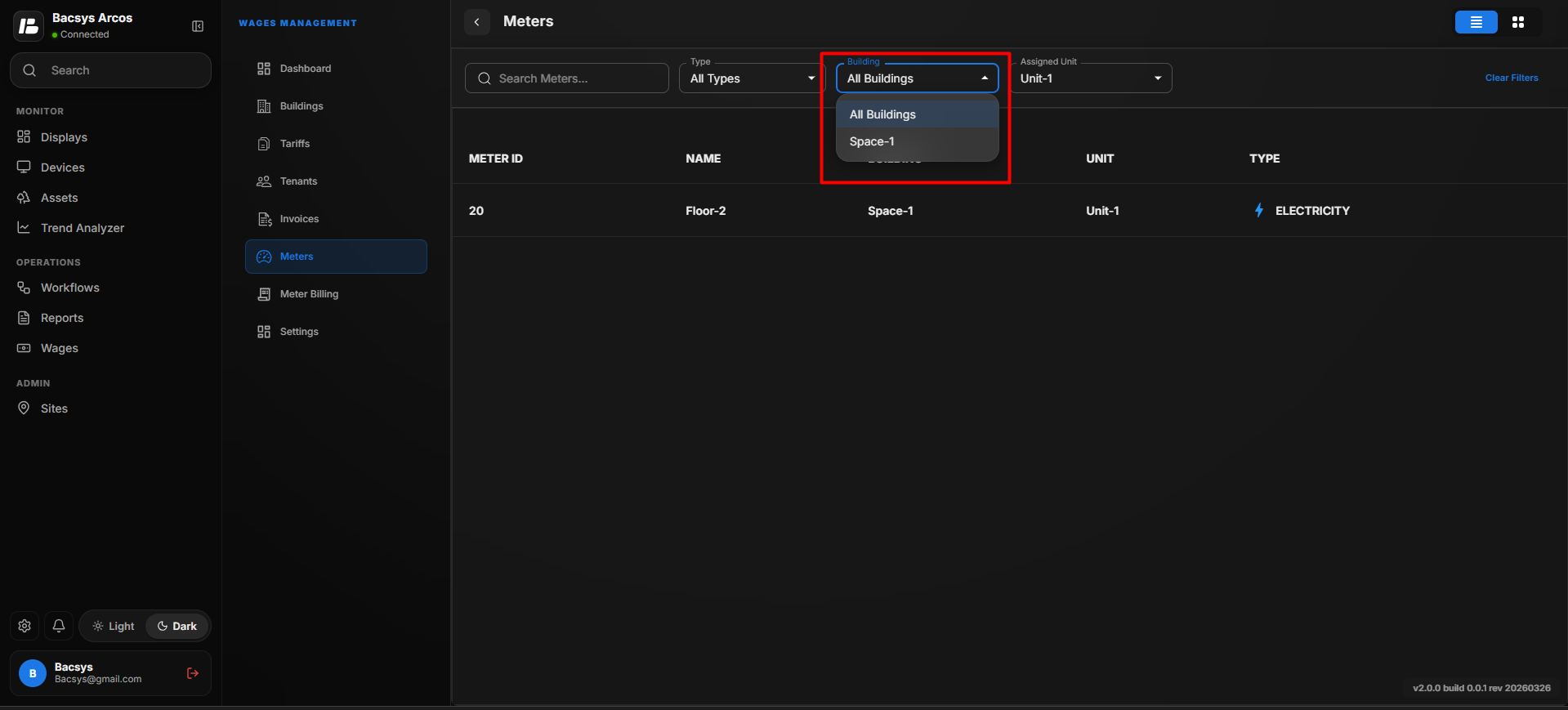
The Building filter allows users to display meters associated with a specific building.
| Option | Description |
|---|---|
| Building | Select a building to display only the meters configured for that building. |
This filter is useful when managing meters across multiple buildings.
Unit Filter
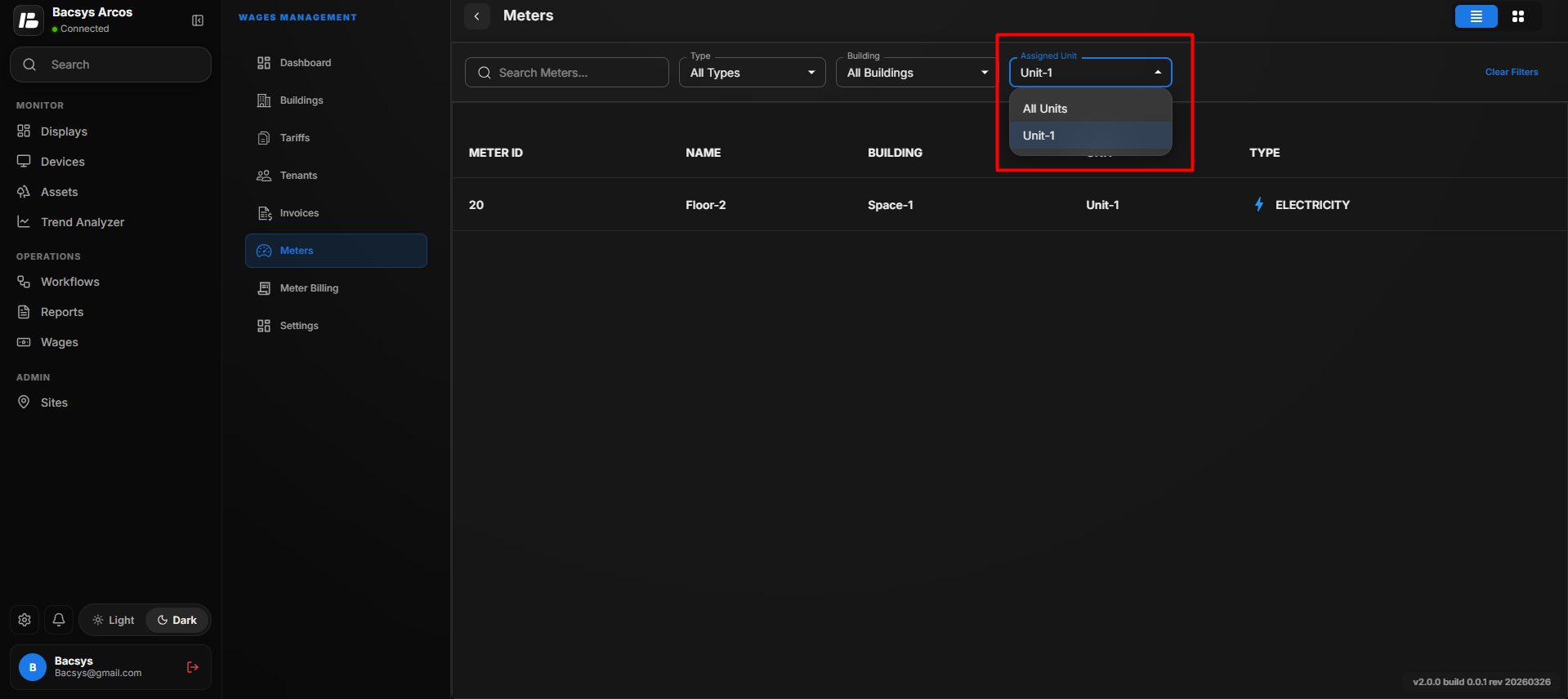
The Unit filter allows users to display meters assigned to a specific unit.
| Option | Description |
|---|---|
| Unit | Select a unit to display only the meters assigned to that unit. |
This helps users quickly identify meters configured for a particular tenant or unit.
Clear Filter
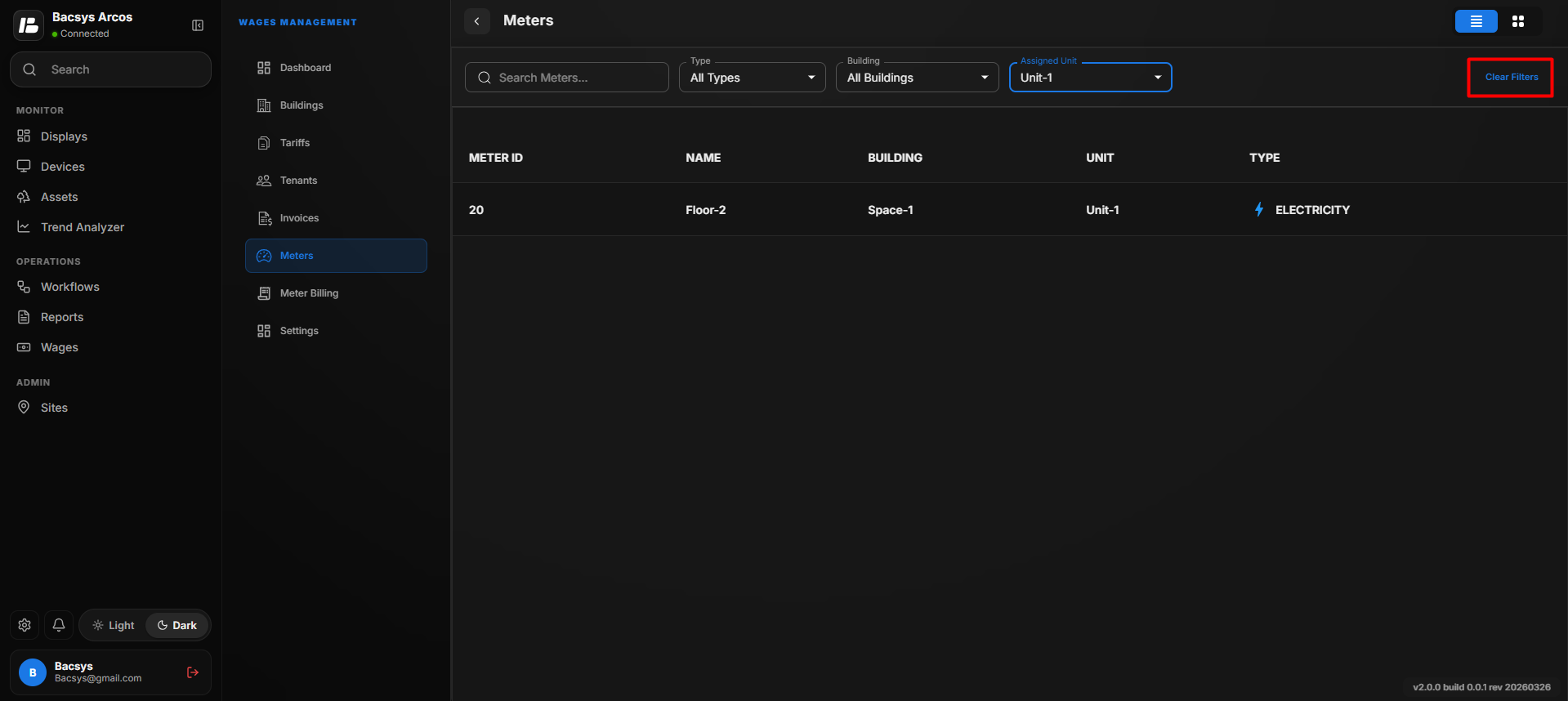
The Clear Filter button removes all applied filters.
| Option | Description |
|---|---|
| Clear Filter | Resets the Type, Building, Unit, and Search filters and displays all configured meters. |
Use this option whenever you want to return to the complete meter list.
Summary
The Meter Management module enables users to:
| Feature | Purpose |
|---|---|
| View Meters | Displays all configured meters. |
| Search | Quickly locate a specific meter. |
| Filter by Type | View meters based on utility type. |
| Filter by Building | Display meters for a selected building. |
| Filter by Unit | Display meters assigned to a selected unit. |
| Clear Filters | Remove all applied filters. |
| List View | View meters in a table format. |
| Card View | View meters as individual cards. |
These features help users efficiently manage and monitor all configured utility meters within the Wages application.